
Four Prompts to Make AI Writing Sound Human
If you write with AI, everyone knows. Soon they won't.

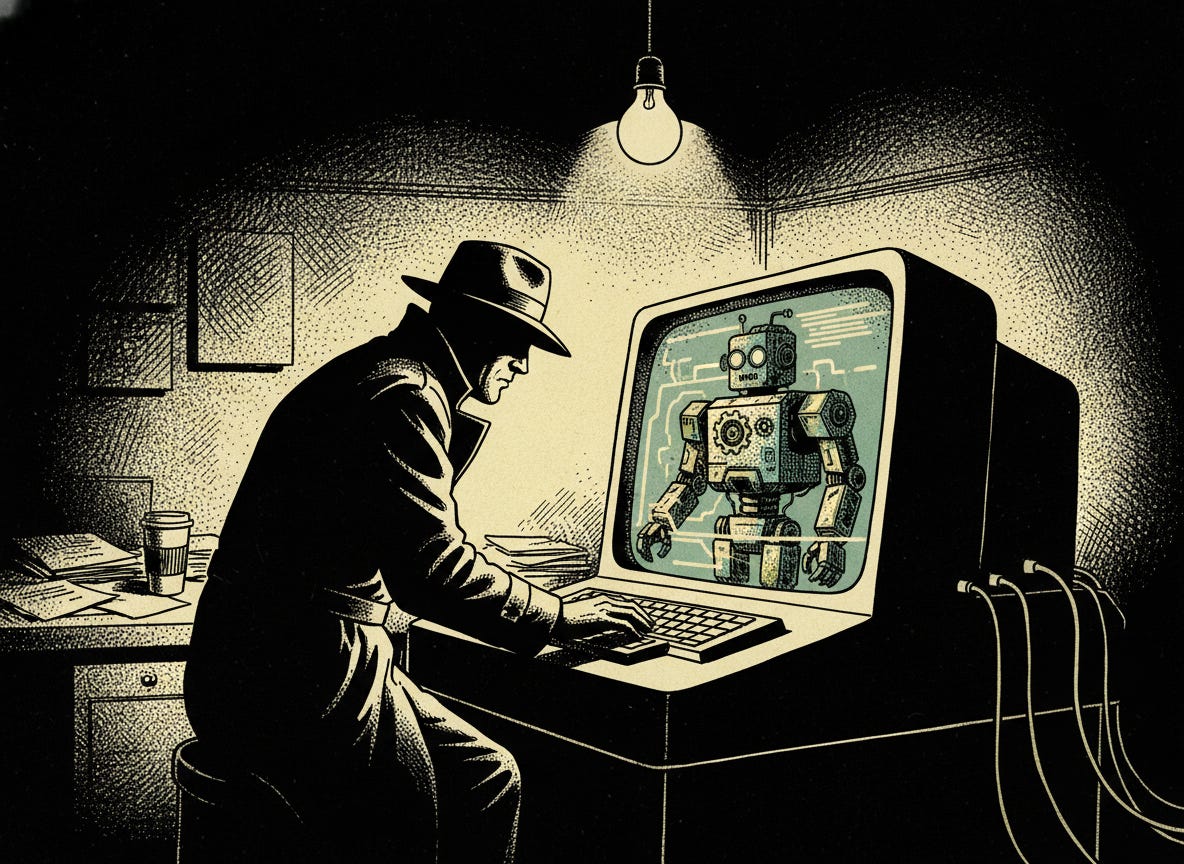
Yesterday I broke down why AI writing sounds like AI and the patterns that give it away.
Today you get the tools to fix it.
Four prompts. Copy them. Paste them. Use them before, during, and after you write with AI assistance.
Here’s where I’m going to be direct with you.
I spent weeks building and tweaking these. Ingesting and analyzing a bunch of shitty AI written newsletters.
Taking notes on the patterns I observed myself with my own god given eyeballs. Using of those fancy pens and notepads.
This wasn’t theoretical.
And because of that…
The prompts are for paid subscribers.
You’ve been reading.
You’ve been getting value.
Now you decide.
Are you serious about writing WITH AI? Or are you fine producing the same generic output as everyone else with a ChatGPT free account?
Free subscribers get the concepts.
Paid subscribers get the implementation.
A Fair Warning:
These prompts are not “write me a newsletter on how sunshine is good for the rear end” type writing prompts.
You need to have done some research, put together your ideas, and have a pretty unique angle you want to write about.
Because if you don’t, you are just contributing to the problem…
AI Eats AI
AI Craps AI
AI Eats AI Crap
…infinitum
What’s Behind the Subscribe Now Button
Prompt 1: Before You Write The constraint system for your system prompt. Vocabulary bans, structural rules, the Rule of Three destroyer. This one alone eliminates 70% of the AI fingerprints before you write a single word.
Prompt 2: While You Write Real-time checks your AI runs against its own output. Rhythm detection. Hedge removal. Punctuation audits. Stops problems before they compound into an obvious mess.
Prompt 3: After You Write A five-step forensic audit. Structural scans, vocabulary purges, human injection protocols, voice testing. The deep clean that catches what you missed.
Prompt 4: Emergency Rescue Already have AI-written content that sounds robotic? This prompt strips the fingerprints from existing work. I keep it saved in my notes because I use it weekly.
